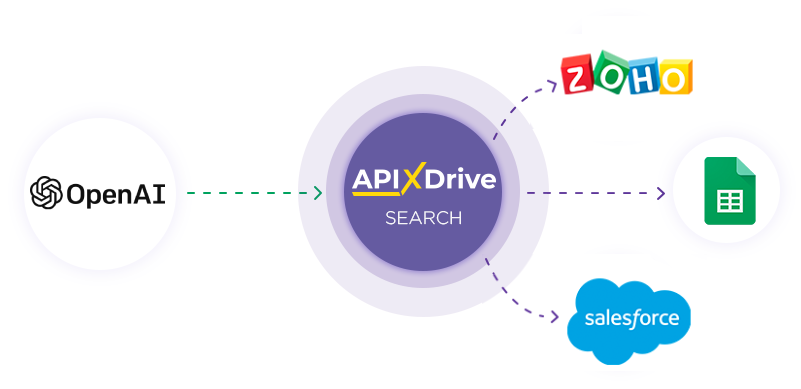
Ainda nao ha planos de preco detalhados para esta ferramenta.
Blazing Fast Screenshot AnnotationsSnap a screenshot, drag with your mouse, then paste wherever you want (no copying required).Add to Chrome NowFree Forever, No Credit Card Required.The Screenshot Tool You Didn't Know You NeededFor SaaS,support teams, product teams, sales teams, agencies and anyone who collaborates on digital products.Press CMD + SHIFT + S[CTRL + SHIFT + S] for Windows lovers. You can change this later.Drag to draw arrowsBoom! Copied to your clipboard. Double click then drag for rectangles.“Wow, and I thought Teslas were fast.”— Someone who takes lots of screenshots --- Privacy Policy1. Information We CollectWe collect information that you provide directly to us, including:Email address for account creationPayment information when purchasing premium featuresUsage data to improve our service2. How We Use Your InformationWe use the information we collect to:Provide and maintain our serviceProcess your payments and prevent fraudSend you important updates about our serviceImprove and optimize our extension3. Data StorageScreenshots are processed locally in your browser and copied directly to your clipboard. We do not store or transmit your screenshots to any servers. Screenshots exist only temporarily in your browser's memory while you're annotating them, and are immediately discarded afterward.3.1. Website AccessOur extension requires access to all websites to enable screenshot functionality. We only access webpage content when you explicitly trigger a screenshot through the extension icon or keyboard shortcut. We do not collect, store, or transmit any webpage content beyond the temporary screenshot you create.3.2. Google Account IntegrationWe use Google account authentication solely for premium feature verification. We only access your email address with your consent and do not request or store any other Google account information.3.3. Browser StorageWe store minimal data locally in your browser, including premium status and drawing preferences. This data never leaves your device and can be cleared by uninstalling the extension.4. Data SharingWe do not sell your personal information. We share your information only with:Service providers who assist in operating our serviceLaw enforcement when required by lawThird parties with your explicit consent5. Your RightsYou have the right to:Access your personal informationCorrect inaccurate dataRequest deletion of your dataExport your data6. CookiesWe use cookies to enhance your experience and analyze usage patterns. You can control cookie preferences through your browser settings.7. Contact UsIf you have questions about this Privacy Policy, please contact us at hello@jelli.ioLast updated: January 2025 --- Terms of Service1. Acceptance of TermsBy accessing and using Jelli's screenshot and annotation services, you agree to be bound by these Terms of Service.2. Service DescriptionJelli provides a browser extension for capturing, annotating, and sharing screenshots. The service includes both free and premium features.3. User ObligationsYou must be at least 13 years old to use this serviceYou are responsible for maintaining the security of your accountYou agree not to use the service for any illegal purposesYou will not attempt to circumvent any service limitations or restrictions4. Privacy & DataYour use of Jelli is also governed by our Privacy Policy. Screenshots are stored temporarily and deleted after 30 days unless you're a premium user.5. Premium SubscriptionsPremium features are available through paid subscriptions. Subscriptions automatically renew unless cancelled. Refunds are handled on a case-by-case basis.6. Changes to TermsWe reserve the right to modify these terms at any time. Continued use of the service after changes constitutes acceptance of new terms.7. ContactFor any questions about these terms, please contact us at hello@jelli.ioLast updated: DEC 2024