 Video-IA
Discover how to add revolutionary AI portrait effects to your videos with Filmora. Our tool transforms your photos into stylized works of art, offering a multitude of creative options for unique and memorable portraits. Ideal for content creators, artists, and anyone looking to add a professional and artistic touch to their video projects.
← List of tools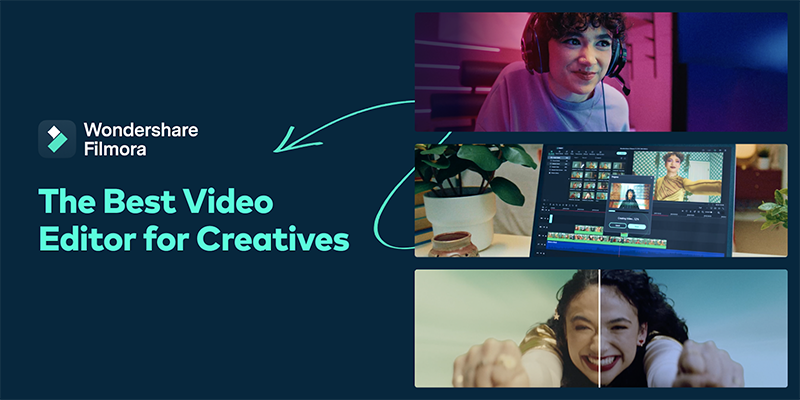
About
Key features
- Advanced AI portrait effects
- Stylized image transformation
- Wide range of creative options
- Easy to use within Filmora
- Artistic enhancement for videos
- Portrait customization
Use cases
- Creating artistic content for social media
- Enhancing portraits in personal video projects
- Adding a unique style to wedding or event videos
- Producing stylized promotional videos
Frequently asked questions
How do I apply AI portrait effects in Filmora?
You can find and apply AI portrait effects directly within the Filmora interface, typically in the effects or filters section.
Are the AI effects customizable?
Yes, Filmora often provides options to adjust the intensity and other parameters of AI effects for maximum customization.
Can I use these effects on any video?
AI portrait effects are designed for videos featuring human faces. Results may vary depending on the video's quality and content.
Who is it for?
This tool can be useful for:
- Video content creators
- Visual artists and graphic designers
- Filmora users
- Video editing enthusiasts
Tags and badges
In the same category
Explore by category
Publisher
Wondershare
About this directory
Video-IA is a curated directory of artificial intelligence tools. Each listing is verified and regularly updated.
Discover more AI tools in our directory. Browse categories